
I drew on the protoboard with a sharpie
My first surface-mount soldering session went fine, and then I plugged the battery in backwards and killed a component. Twice. The first one I didn't even know was dead.
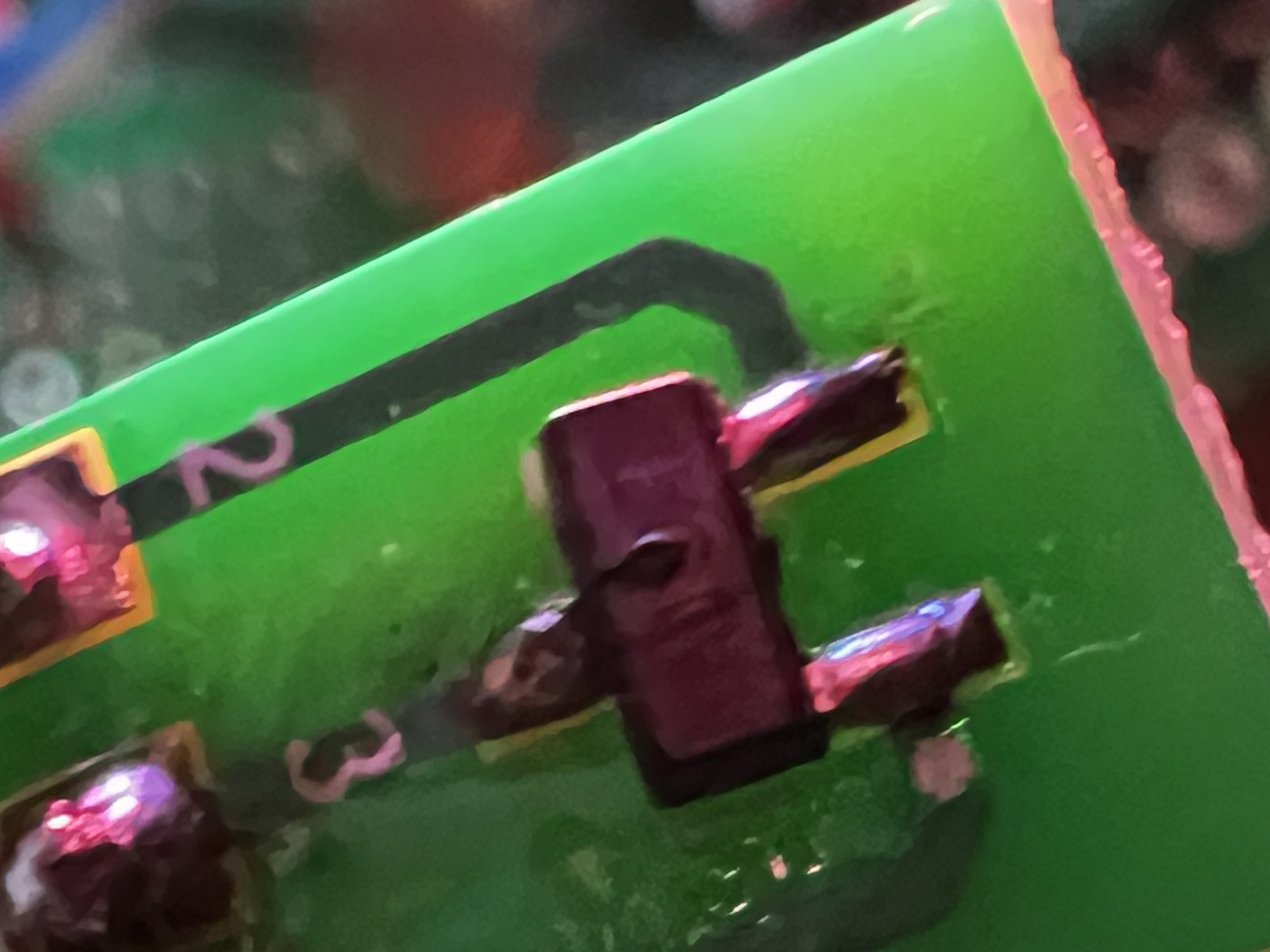
Surface mount was the next thing to learn. Components up to that point had legs you poke through holes in a board. Surface-mount parts sit on top instead, and the one I needed is a three-pad part on a little breakout strip, small enough that placing it is a tweezers job.
Tweezers, solder paste, a ring light, and a lot of squinting. My first SMD session, and they worked. Only to be murdered at a later date.
Not my first soldering. That was a pair of paper lanterns. This was the first time doing the small kind.
Then I plugged the battery in backwards.
I didn’t know it was dead
Nothing about it looked wrong. The board just stopped doing what it was supposed to, and I spent a good stretch going around the circuit assuming I had wired something up wrong.
I found it because I took a macro photo of the component and sent it to Claude, which pointed out the lil bubble on the top face as being typical of a blown FET. The others on the strip were smooth. Side by side it is obvious. On its own I would not have known what I was looking at.
New component in, and everything worked again.
Then a couple of days later I did the exact same thing that blew the first one. Another P-FET bites the dust. RIP.
The fix was a sharpie
After frying components more than once the same way, I marked the board. Black sharpie on the protoboard, on the side that goes to ground, because the ground wire is the black one. Match the black to the black and no more magic smoke.
If you are thinking about trying this
I had never done any of this, and it looks like rocket science plus magic, but it’s not.
I have killed two components now and replaced them both. It is fine to go slow, and to measure along the way with the multimeter.
all Glint updates